
3D & Generative AI Hybrid Pipeline (Blender to ComfyUI)
A research and development project bridging the geometric precision of professional 3D software with the expressive plasticity of generative AI. This automated workflow enables rapid exploration of complex visual styles while maintaining strict spatial control.
Demo: "Photo Collection" Effect & 3D Camera Control
Inspired by the stop-motion visual trend where a subject remains framed while surrounding environments and styles rapidly shift frame by frame. Leveraging 3D adds full freedom of camera movement (zooms, angles, tracking shots) while guaranteeing flawless geometric alignment at every step.
Pipeline Breakdown (Passes & Diffusion)
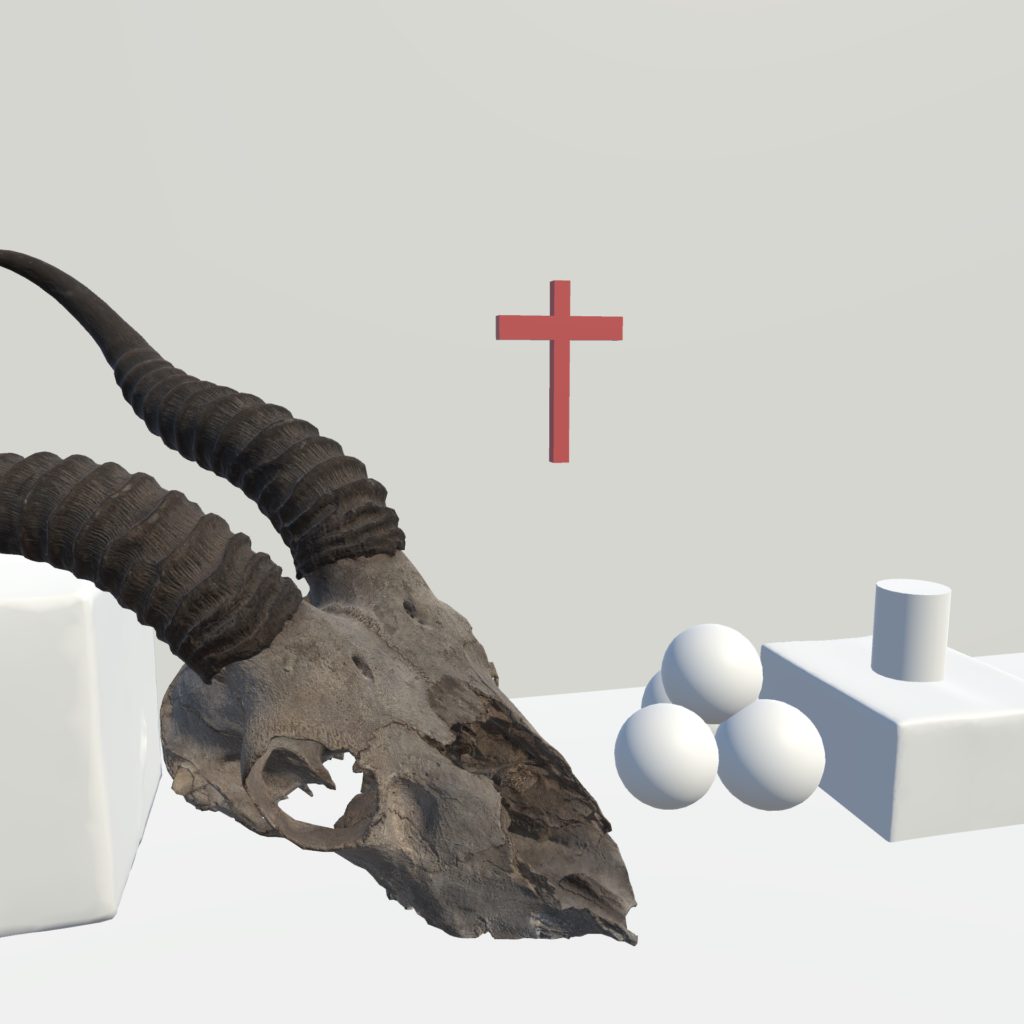
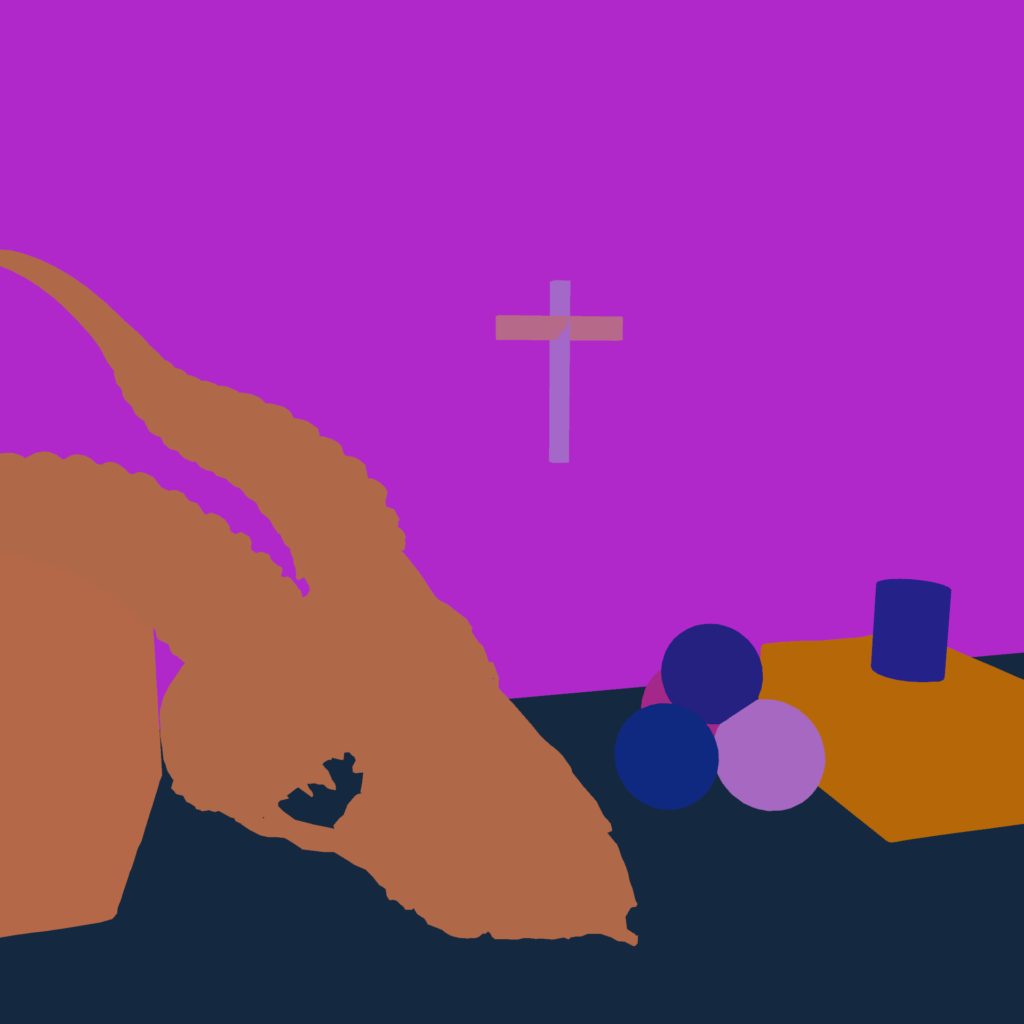
Step-by-step analysis of the data transfer between the 3D vector scene and the diffusion engine:

Technical Architecture & Automation
1. Geometric Control & Camera Trajectories
Challenge: Maintaining structural shape consistency and smooth camera trajectories during rapid style shifts generated by AI.
Solution: Automated extraction of depth maps and color segmentation passes directly in Blender. Injected into ControlNet within ComfyUI, these passes lock the geometry frame by frame, allowing dynamic camera moves (zooms, rotations) without volume distortion.
2. Custom Blender Addon & Direct ComfyUI Control
Challenge: Eliminating manual parameter entry and tedious context-switching between Blender and ComfyUI's web interface.
Solution: Development of a dedicated Python plugin for Blender. Communicating directly with ComfyUI's API, it exposes key parameters (text prompts, samplers, seeds, denoise values) inside Blender's side panel, triggering renders and automated pass transfers without leaving the 3D viewport.
Technical Summary & Use Cases
- Total artistic control: Seamless combination of 3D cinematic precision and generative model versatility.
- Unified interface: Full control and execution of ComfyUI workflows directly within Blender's native interface.
- Accelerated sequential rendering: Complete end-to-end automation of exports and API calls for producing complex animated sequences.
- Use cases: Stylized visualization, exploratory art direction, motion design overlays, and animated concept art.